Yubi
Your voice stays on your Mac.
Hold a key, speak, let go. The words land in the app in front of you. Transcription finishes on this Mac. The audio goes nowhere.
COMING SOON
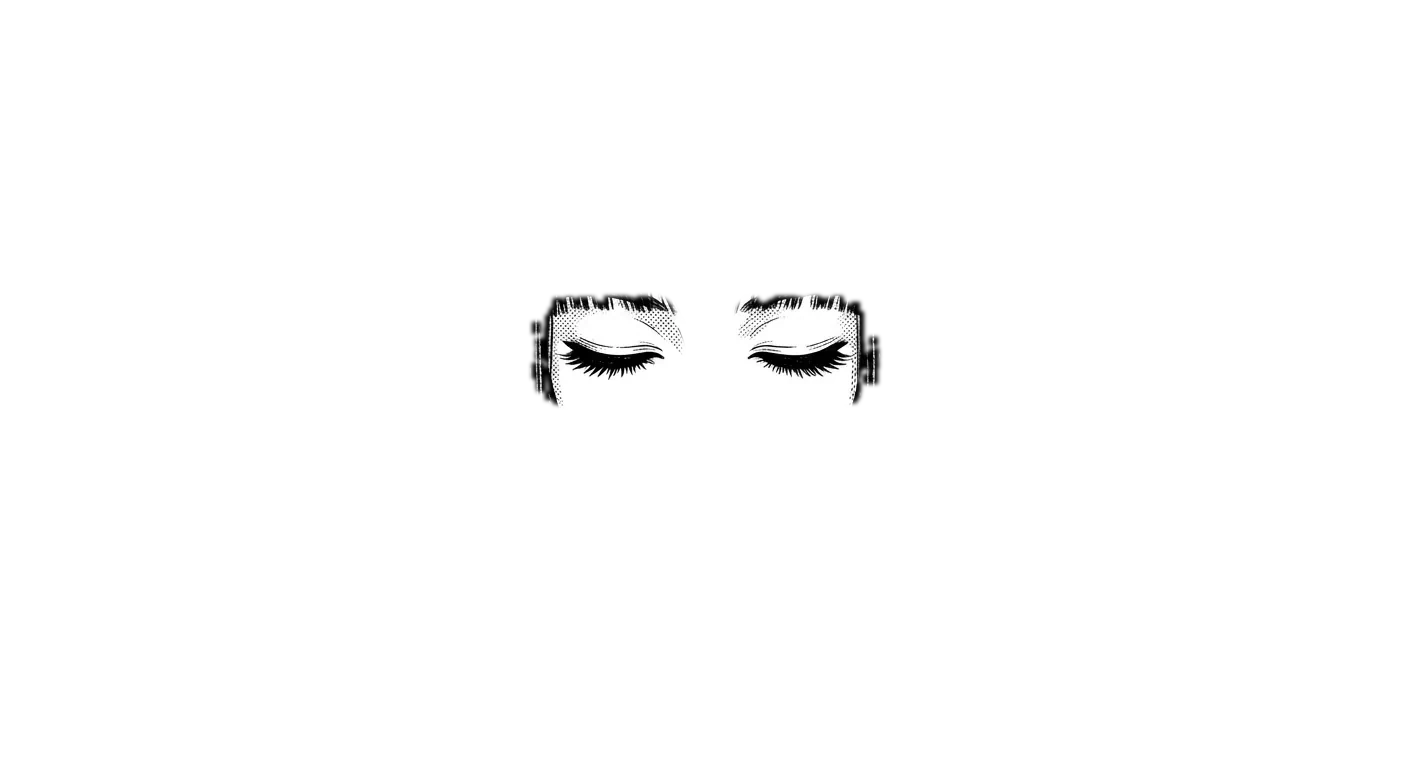
This picture is 36,864 dots. Scroll, and they become the things she does.
We do not spy on you.
Your audio stays on this Mac.
There is no third party.
Your voice and your screen never leave this Mac. No analytics, no account, no server of ours. The only thing that can go out is text: the words you dictated, if you turn on optional cleanup, and the payload you reviewed, when you ask about the screen. It goes to Claude on your own API key. Nobody else is in the room.
Hold. Speak. Let go.
She is a status light with a face.
Hold
She listens only while the right Option key is down. Let go and the microphone closes.
Speak
Apple's SpeechAnalyzer turns it into text inside this Mac. Japanese and English, same accuracy.
Let go
The words land at the cursor the moment you release. Casual in Slack, prose in Mail. She matches the app you are in.
Her voice is a recording, not synthesis. These few words are all she says.
She points.
Ask about what is on screen and she reads the window's accessibility tree. Not a screenshot. That is why she never asks for Screen Recording. She rings the real button, flies the cursor to it, and says one thing.
If you want her to press it, she will.
One switch and she presses it for you. The mouse never moves. She uses the same accessibility action VoiceOver does, on the one button she ringed and nothing else. Off by default.
What leaves this Mac.
Here is what each feature sends.
| Feature | What leaves | Cost |
|---|---|---|
| Dictation | Nothing. Audio becomes text on this Mac. | ¥0 |
| Cleanup (optional) | Text only, on your own Anthropic key. | about ¥0.2 each (September 2026 estimate) |
| Ask about the screen (optional) | Labels and field text the window exposes. Password field contents are never read. By default you see the whole payload before it goes. | about ¥1.7 each (September 2026 estimate) |
This is what leaves when you ask about the screen. By default nothing goes until you read it and press Send.
APP: Google Chrome window "Calendar · September 2026" button "New Tab" textfield "Address and search bar" tab "Calendar · September 2026" (selected) tab "Gmail" button "Back" (disabled) button "Reload"
What she never asks for
- Screen Recording
- Your Desktop or Documents
- An account
- Analytics
- Silent updates
- The inside of a password manager (never read)
Against a cloud app I examined in September 2026
| Cloud app | Yubi | |
|---|---|---|
| Audio | uploaded | stays on this Mac |
| Screen | Screen Recording permission | labels only, shown before sending |
| Size | 785 MB | 2 MB |
| Analytics | two vendors | none |
Pricing
Dictation is free. The only thing we count is questions.
¥0
No card, no account.
- Dictation unlimited, on this Mac
- 30 questions a month
- Click for me included
¥980/ MONTH
¥9,800 a year.
- Dictation unlimited
- 300 questions a month
- Click for me included
¥1,480/ SEAT / MONTH
One invoice.
- 500 questions a seat, pooled
- Shared vocabulary and tone rules
- Add or remove seats any time
¥0
For people who bring their own Anthropic API key.
- Unlimited questions
- You pay Anthropic directly
- Everything else is the same
A question is one round trip: hold the key, ask about the screen, get the answer. Paid plans are being prepared and we will email you when they open.
What you need
- macOS 26 or later
- A Mac with Apple Silicon
- Microphone and Accessibility permissions. That is all.
Not on the Mac App Store. The current build calls a whisper-cli installed on the Mac, which the sandbox does not allow.
One email when the DMG is out.
We send one email when the DMG is available.
Yubi means finger. She is the thing that points.